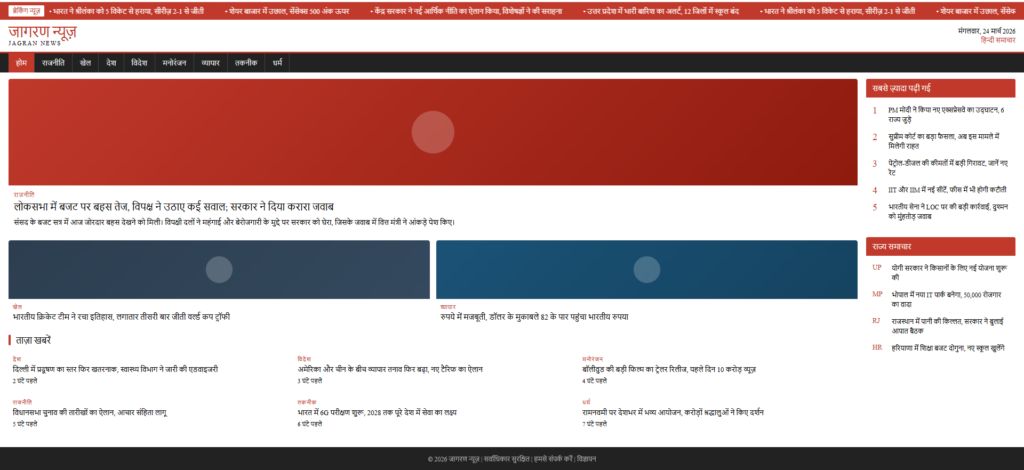
Yeh ek demo post hai taaki aap apni nayi WordPress theme ki Typography, Layout, aur Spacing check kar sakein.
1. Heading Levels aur Text Styles
Theme mein text ki readability bahut zaroori hoti hai. Isme Bold Text, Italic Text, aur Hyperlink Style ka design check karein.
Sub-heading Example (H3)
H3 headings ka spacing aur font size H2 se thoda chota hona chahiye taaki hierarchy bani rahe.
2. Lists aur Bullet Points
Niche di gayi lists se check karein ki theme mein indentation aur icons kaise dikhte hain:
- WordPress ek open-source CMS hai.
- Isme hazaron plugins aur themes milti hain.
- Yeh SEO ke liye best mana jata hai.
- Pehle WordPress install karein.
- Apni pasand ki theme select karein.
- Demo content upload karke design check karein.
. Data Table Test
Table ka design responsive hona chahiye taaki mobile par bhi sahi dikhe.
| Feature | Description | Status |
|---|---|---|
| Loading Speed | Theme kitni fast load hoti hai | Excellent |
| Mobile Friendly | Smartphone par layout ka dikhna | Yes |
4. Blockquote aur Code Section
“Ek acchi theme wahi hai jo reader ka dhyan content par rakhe aur distraction kam kare.”
— Design Expert
Technical blogs ke liye code block ka test:
body { background-color: #f4f4f4; color: #333; }
Nishkarsh (Conclusion): Agar yeh saare elements aapki theme mein clean aur readable dikh rahe hain, toh aapki theme perfect hai!
->